
To use Sephora coupons online, add your items to your cart and proceed to checkout. On the Basket page, you’ll find the “Add promo or reward code” field where you can enter your coupon code. Remember that only one code per order is allowed, so choose wisely. Verify that your purchase meets any minimum spending requirements and check that your items aren’t excluded from the promotion. The right strategy can unlock significant savings during your beauty haul.
Key Takeaways
- Navigate to your shopping basket by clicking the icon in the upper right corner of the Sephora website.
- Enter your promotional code in the “add promo or reward code” field before proceeding to payment.
- Verify that your purchase meets any minimum spending requirements (typically $25-$50) for the coupon to work.
- Select only one promotional code per order as Sephora doesn’t allow coupon stacking.
- Check that your selected items qualify for the promotion, as some brands or products may be excluded.
Understanding Sephora’s Online Coupon System
While shopping online at Sephora can be exciting, understanding their coupon system will help you maximize your savings. When browsing beauty products on the website, you’ll want to keep promotional opportunities in mind.
Sephora’s promo codes follow specific guidelines. First, they’re time-limited, meaning each code works only during a specific period. Second, minimum purchase requirements apply, excluding taxes, shipping costs, and gift cards.
It’s crucial to verify that your chosen items qualify for the discount by checking their product details pages. Not every code works for all merchandise – some promotions apply only to specific brands or categories.
You’ll need to locate the “add promo or reward code” field on the Basket page during checkout to enter your code successfully.
Types of Promotional Codes Available at Sephora
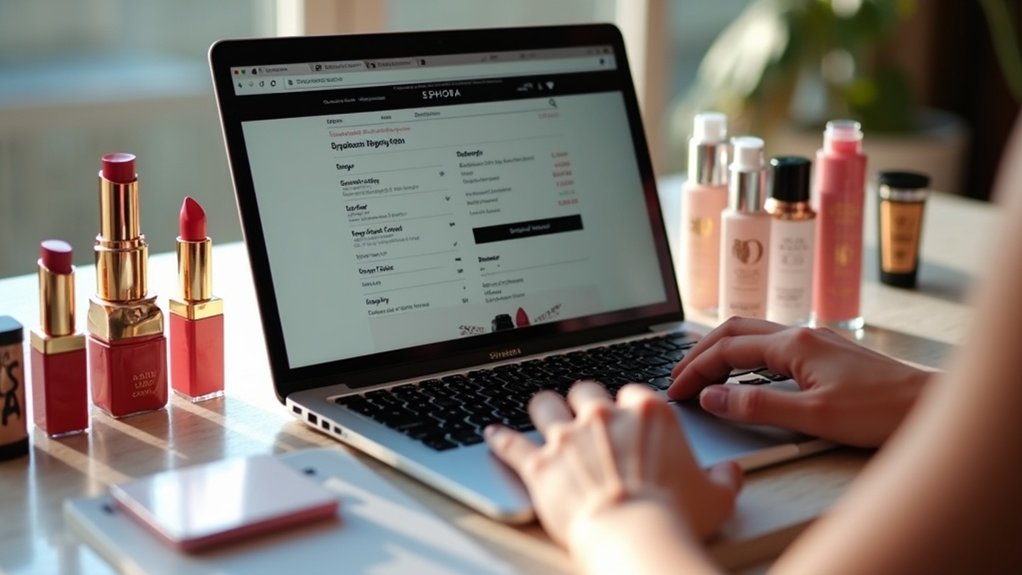
Sephora’s seasonal beauty offers give you access to limited-time discounts on popular products that align with holiday themes and changing weather conditions.
You’ll find exclusive promotional codes as a Beauty Insider member, which aren’t available to the general public and often provide deeper discounts on premium brands.
These member-exclusive codes typically arrive in your email inbox or appear in your online account dashboard, making it worth checking both locations regularly.
Seasonal Beauty Offers
Throughout the year, seasonal beauty offers create exciting opportunities for savvy shoppers looking to maximize their Sephora purchases. These promotions typically rotate through different product categories—skincare, cosmetics, and fragrance—allowing you to strategically plan your shopping calendar.
You’ll want to check for updates weekly, as promotional codes frequently change and may expire without notice. Many seasonal offers require meeting minimum purchase thresholds before discounts apply, excluding taxes and shipping costs.
Watch for exclusive brand-specific promotions that provide deeper discounts on your preferred products. Before finalizing your purchase, review the detailed promotion information in your shopping basket, which outlines any restrictions or expiration dates.
This careful attention to promotion details ensures you’ll receive the maximum benefit from Sephora’s seasonal beauty offers.
Member-Exclusive Codes
Beyond seasonal promotions, registered Sephora customers unlock access to an array of member-exclusive promotional codes that aren’t available to the general public.
These special loyalty rewards appear in your account notifications, email newsletters, and during Beauty Insider sales events, offering additional savings opportunities throughout the year.
To redeem your exclusive discounts, simply enter the provided code in the “add promo or reward code” field during checkout.
Member perks typically include percentage discounts on specific product categories or sitewide purchases, but they’re often time-sensitive.
Always check the expiration dates and terms associated with your promotional codes to ensure they’re still valid when you’re ready to complete your purchase.
These member-exclusive offers represent one of the most valuable benefits of maintaining your Sephora account.
Creating Your Sephora Account for Coupon Access
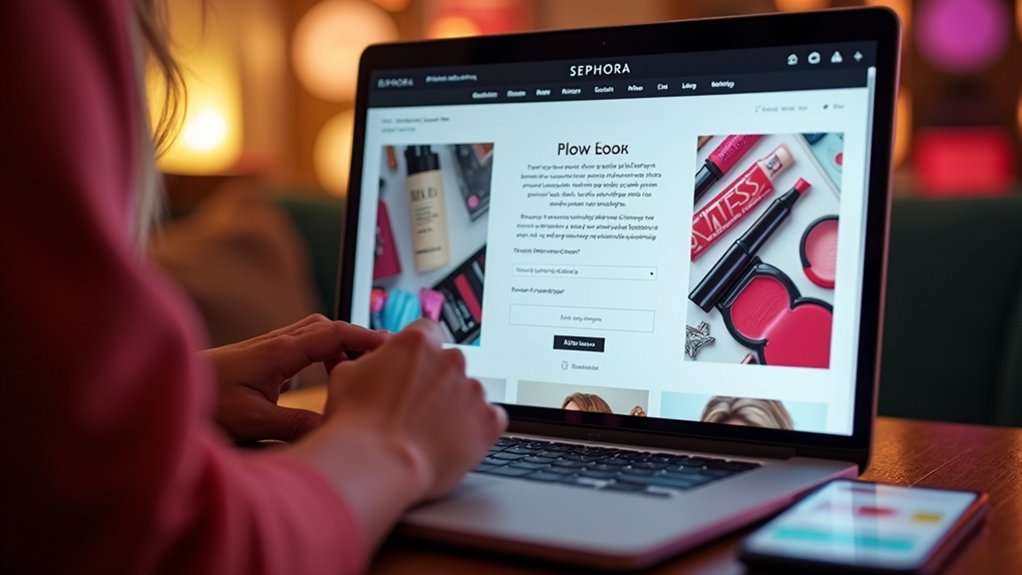
You’ll need a Sephora account to unlock exclusive coupons, promotional offers, and personalized deals tailored to your shopping habits.
Setting up your profile takes just minutes and requires basic information like your email address, password, and shopping preferences.
Your new account not only gives you access to money-saving opportunities but also helps you track orders, save favorite products, and receive timely notifications about sales relevant to items you’ve shown interest in.
Account Benefits Overview
Creating a Sephora account unlocks five essential benefits that make your online shopping experience more rewarding and coupon-friendly. As an account holder, you’ll gain access to exclusive promotions and discount opportunities that aren’t available to guest shoppers.
The account advantages extend beyond coupons—you can track orders, manage your information, and save favorite products with ease. The system offers personalized recommendations based on your preferences and purchase history, helping you discover products that best serve your needs.
Perhaps most valuable is the rewards program, where you’ll earn points with every purchase. These points can be redeemed for discounts or special gifts, maximizing the value of your shopping.
Additionally, having an account streamlines checkout, allowing you to apply promotional codes quickly for a smoother experience.
Profile Setup Tips
Setting up your Sephora profile takes just five simple steps to unlock a world of coupon opportunities and personalized shopping benefits.
Start by visiting Sephora’s website and clicking “Create Account,” where you’ll enter your email and create a secure password following account security tips like using special characters.
Complete your personal information to help Sephora tailor recommendations to your needs.
Don’t forget to adjust your email notification preferences to receive promotional offers and coupon alerts. Many first-time account holders receive special discounts after verifying their email addresses.
Review your profile privacy settings to control what information is shared.
Once complete, you’ll have easy access to your order history, saved payment methods, and most importantly, exclusive coupons that aren’t available to guest shoppers.
Navigating to Your Shopping Basket
After you’ve browsed Sephora’s extensive collection and selected your must-have beauty items, the shopping basket icon awaits your click in the upper right corner of the screen.
This simple shopping basket navigation takes you to a page displaying all your selected products, complete with pricing details and quantities.
Take a moment to carefully review your items, ensuring everything you want is included. You can easily modify quantities or remove products that don’t quite match your needs.
Remember to check if your purchase total meets any minimum requirements for coupon eligibility, excluding taxes and shipping costs.
Before proceeding to checkout, look for the promotional code field where you’ll enter your coupon.
This strategic review ensures you’ll maximize your savings while getting all the beauty products you desire.
Locating the Promo Code Entry Field
Now that you’ve reviewed your shopping basket, it’s time to find where you’ll enter that money-saving promo code.
During the checkout process, look directly below your list of items for the “add promo or reward code” option. This promo code location is strategically placed on the Basket page to ensure you don’t miss out on potential savings.
Before finalizing your purchase, have your coupon code ready to enter in this designated field.
After typing your code, verify it’s still valid by clicking the apply button. You’ll know your discount application was successful when you see the updated total with your savings reflected.
This simple step ensures you’re maximizing your beauty budget while getting all the wonderful products you’ve selected to help others look their best.
Applying Multiple Discount Codes Successfully
Many shoppers are surprised to learn that Sephora’s policy allows for only one promotional code per order, which means you’ll need to strategically select the most valuable offer for your purchase.
While coupon stacking strategies aren’t possible at Sephora, you can still maximize discounts online by choosing wisely.
First, check all your available promotions, paying close attention to understanding expiration dates to avoid disappointment.
Compare the value of each code—a percentage discount might be better for large orders, while free shipping could benefit smaller purchases.
Remember to verify any minimum purchase requirements before checkout.
Enter your selected code in the “add promo or reward code” section on the Basket page.
If you’re helping someone shop, remind them to apply their code before completing payment for successful redemption.
Troubleshooting Invalid Coupon Codes
Even with careful selection of the perfect promotional code, you’ll occasionally encounter the frustrating “invalid code” message when shopping at Sephora online.
When this happens, check for common coupon mistakes like typos in the code—even a single incorrect character can prevent the discount from applying.
Verify that your promotion hasn’t expired, as Sephora’s codes typically have limited timeframes.
Also confirm you’ve met minimum purchase requirements, which often range from $25-$50 depending on the promotion.
Some troubleshooting tips include reviewing whether certain product categories are excluded from your coupon.
Many promotions don’t apply to luxury brands or sale items.
If you’ve tried these steps without success, don’t hesitate to contact customer service support at 1-877-737-4672 for personalized assistance with your order.
Maximizing Your Savings With Beauty Insider Points
Why let potential savings slip away when your Sephora purchases can work double-duty for you? Every dollar spent earns you one Beauty Insider point, creating opportunities for additional rewards beyond your coupon savings.
During special promotions, focus on earning bonus points that accumulate faster, helping you reach reward thresholds more quickly.
Make the most of your membership by strategically redeeming rewards for deluxe samples or limited-edition products that match your clients’ needs.
Check your points balance regularly through your account to plan future purchases effectively. As you shop more, you’ll unlock valuable tier benefits including exclusive sales access, special events, and enhanced birthday gifts.
The three-tiered program (Insider, VIB, and Rouge) provides progressively better benefits as you advance, making your Sephora shopping experience increasingly rewarding.
Combining Coupons With Free Sample Offers
Beyond point accumulation, smart Sephora shoppers can layer their savings with strategic sample selection.
When combining discounts effectively at checkout, remember to enter your promotion code in the designated field before finalizing your purchase. This ensures you’ll receive your discount while still qualifying for free samples.
The free samples selection process is separate from coupon redemption, allowing you to maximize your coupon benefits without compromise.
Simply choose up to two free samples from the “Pick Your Free Samples” section, and they’ll be automatically added to your cart alongside your discounted items.
Keep in mind that sample availability changes frequently, so act quickly when you spot options you love.
Remember that samples ship only with merchandise and can’t be replaced if missing, making careful selection worthwhile.